Free early access · For adults 18+
Your next greatconnectionstarts with a coffee.

Meet someone new in a two-minute video conversation. Exchange ideas, find common ground, and keep the connections that matter.
Available on the web. Android currently in closed testing.
What RandomCoffee is
Two minutes. One person.
A short video introduction to another professional, with no cold messages and no small talk that drags on.
RandomCoffee introduces you to one other professional at a time. Press Start, join the queue, and talk on video for two minutes. If you'd like to stay in touch, send a connection request. They decide whether to accept.
On the web
Open it in your browser.
RandomCoffee is a web app. Sign up, set up your profile and press Start from your browser. The Android app is in closed testing on Google Play.
Available on the web. Android currently in closed testing.
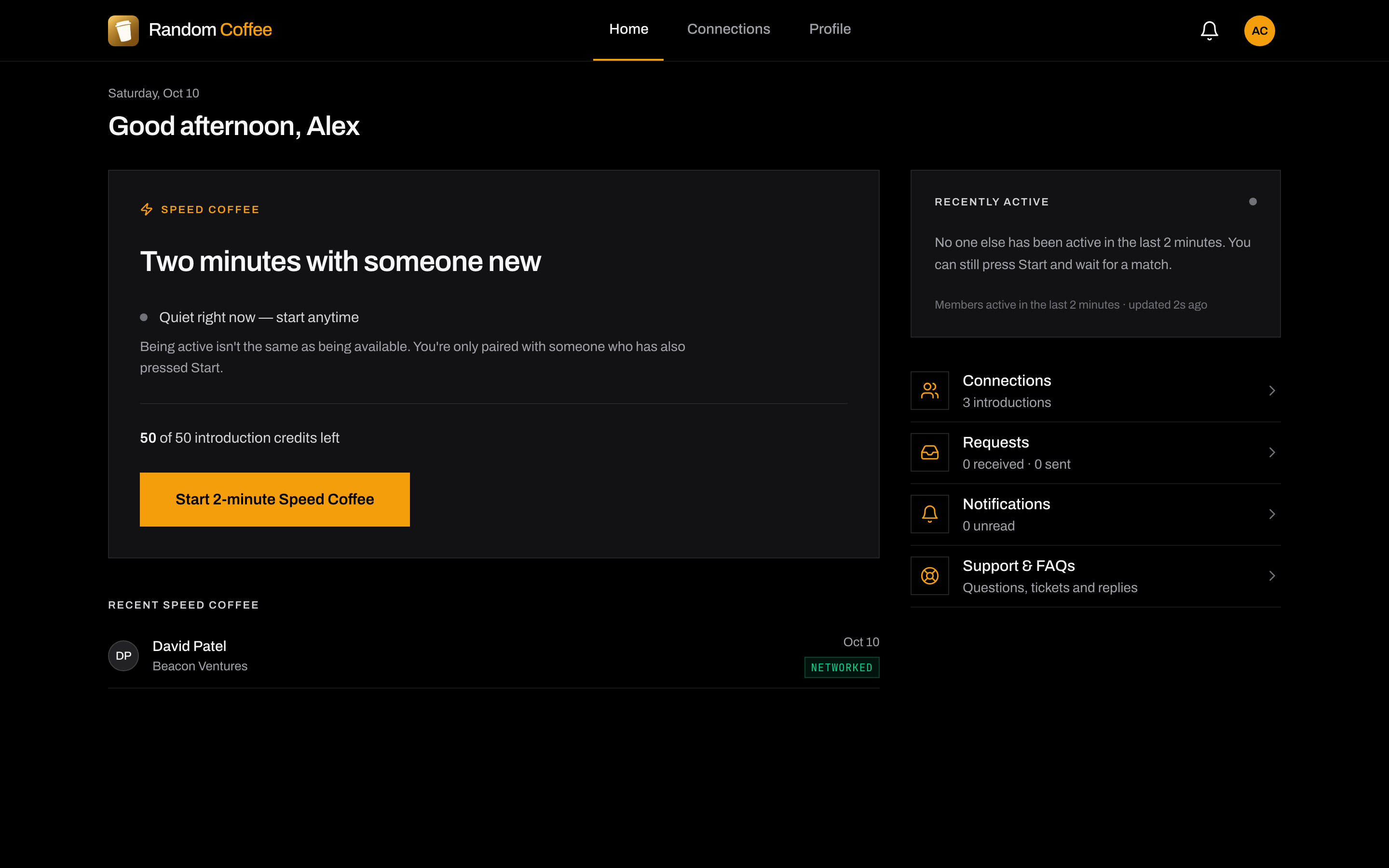
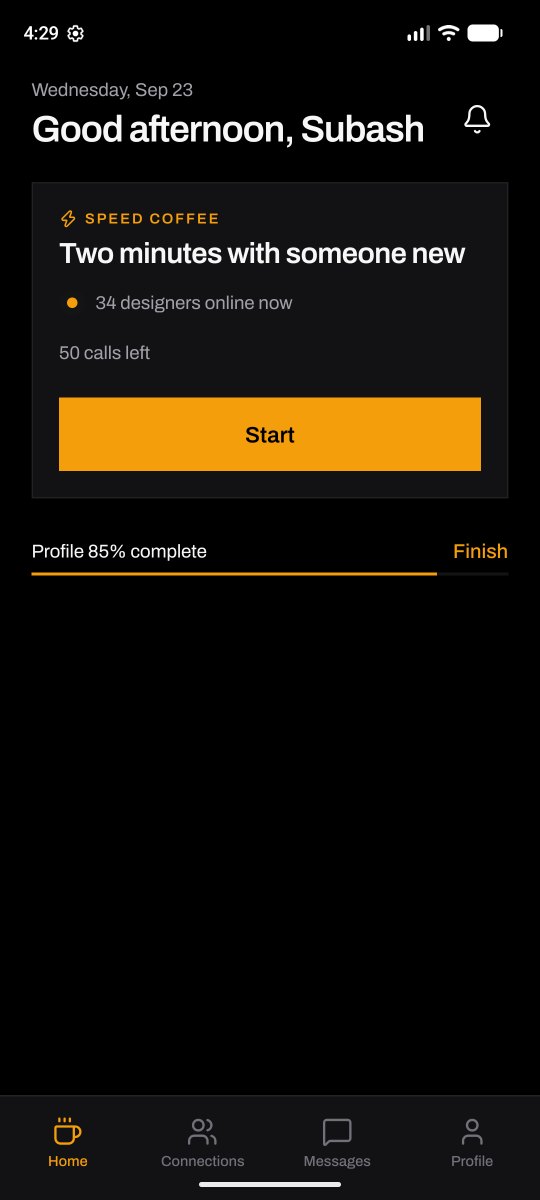
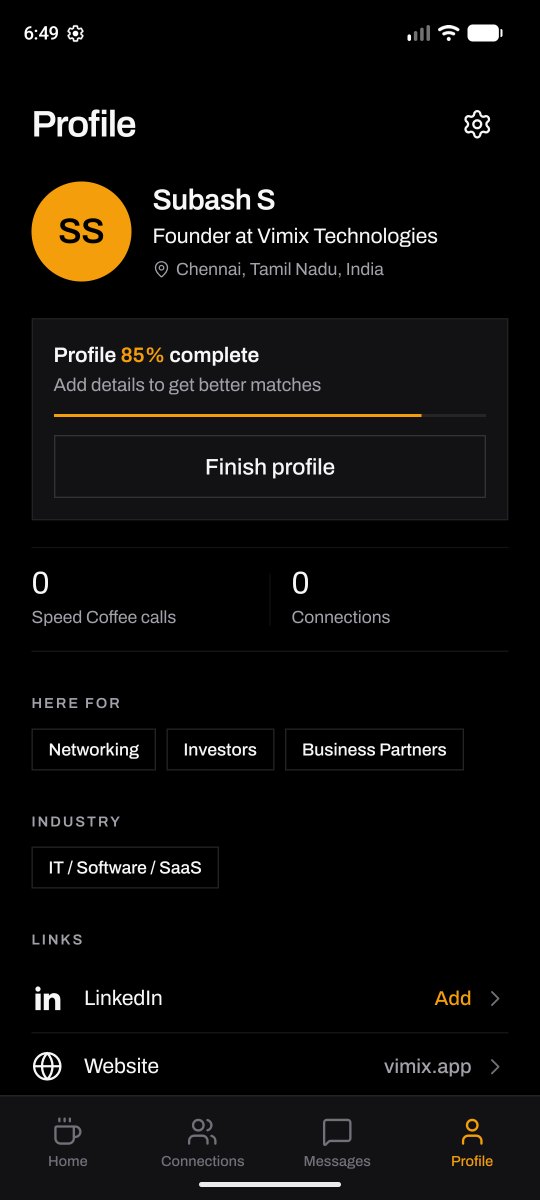
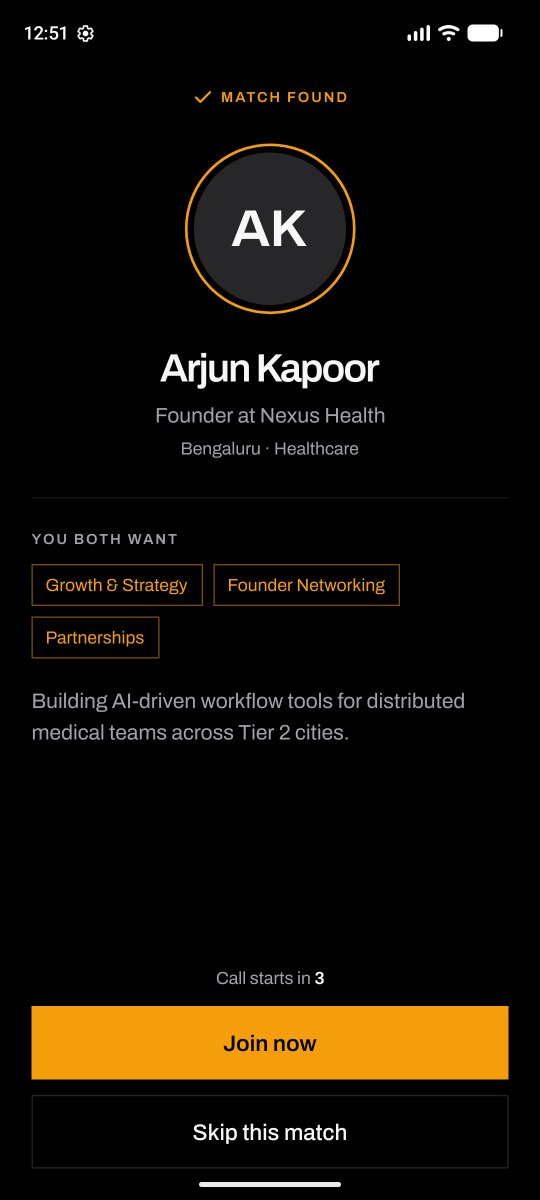
Phone screens are from the Android test build. Names and balances are sample data.
From profile
to conversation.
Four steps · sample data
01 / 04 · Profile
Tell people who you are.
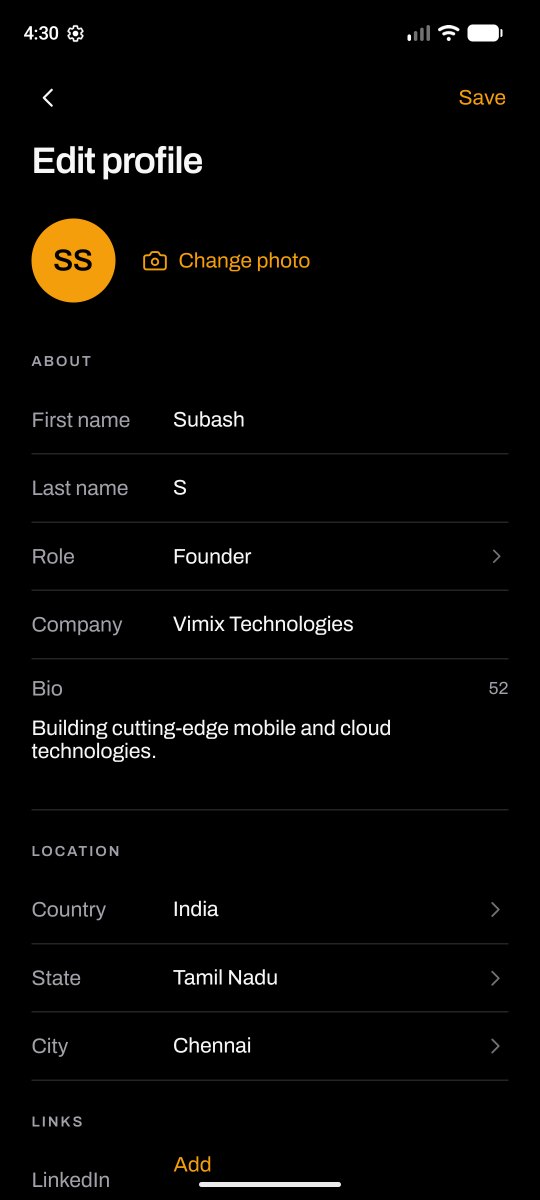
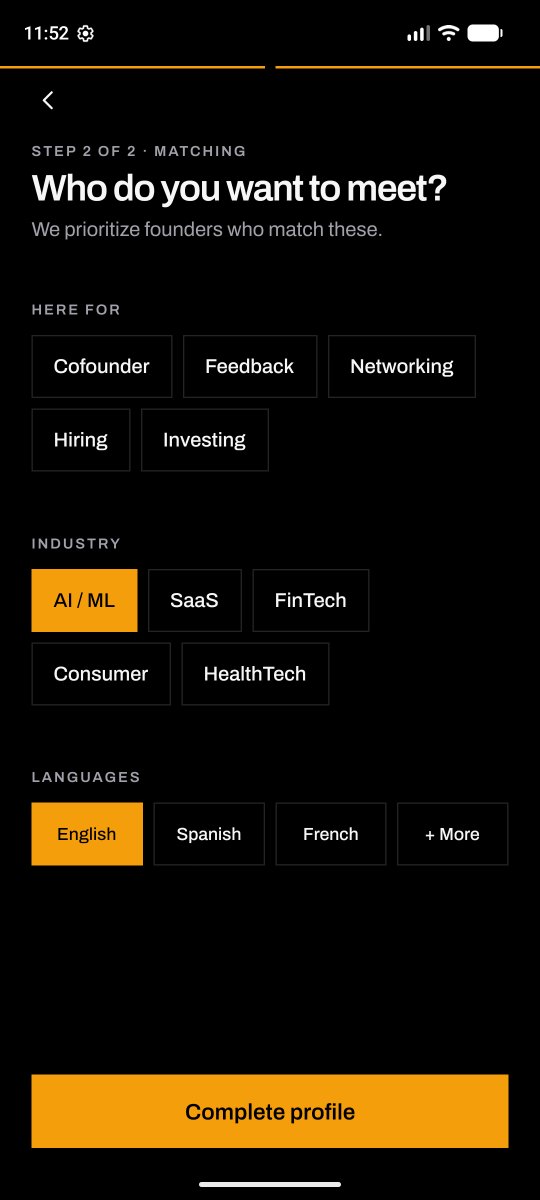
Sign up with email and password or with LinkedIn. Add your role, or describe your own, plus what you're here for, your industry and the languages you speak. You can edit it any time.
02 / 04 · Speed Coffee
Press Start when you're ready.
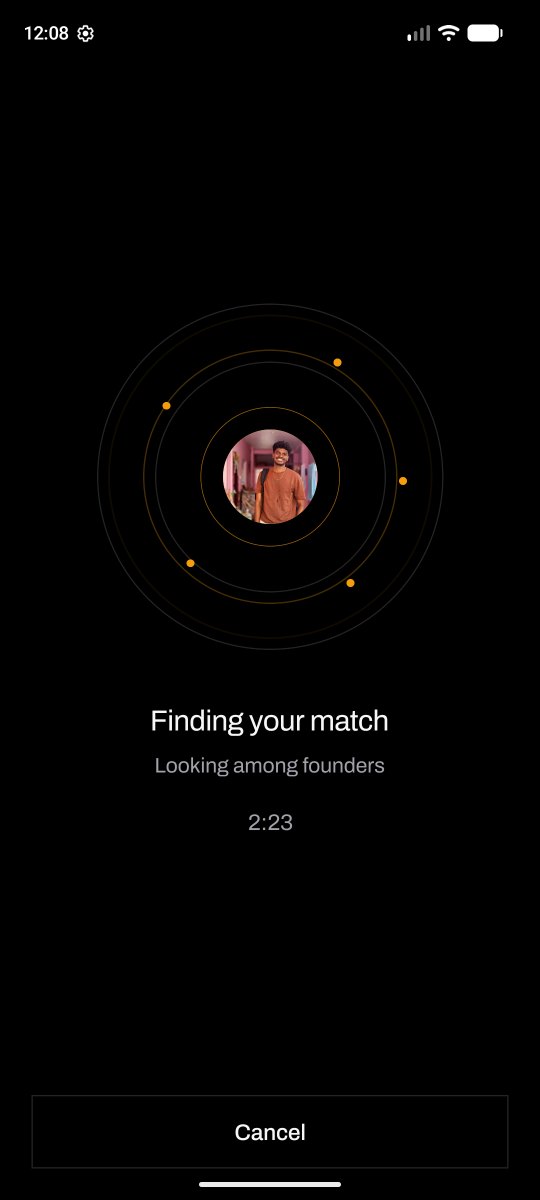
You join the queue and we look for someone who also pressed Start. Being online isn't the same as being available, so nobody is pulled into a call they didn't ask for.
03 / 04 · The call
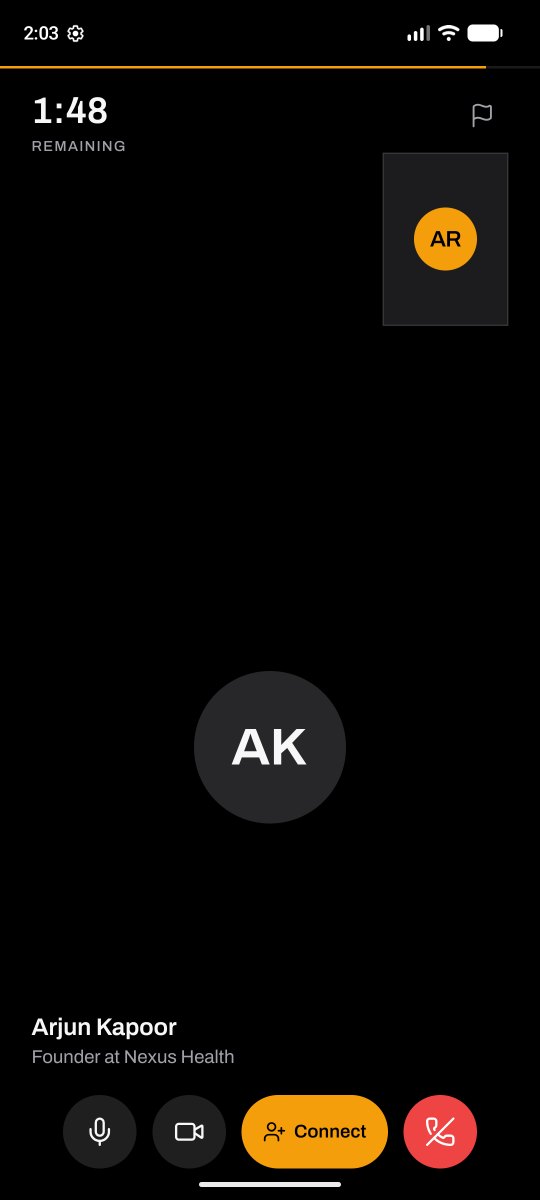
Talk for two minutes.
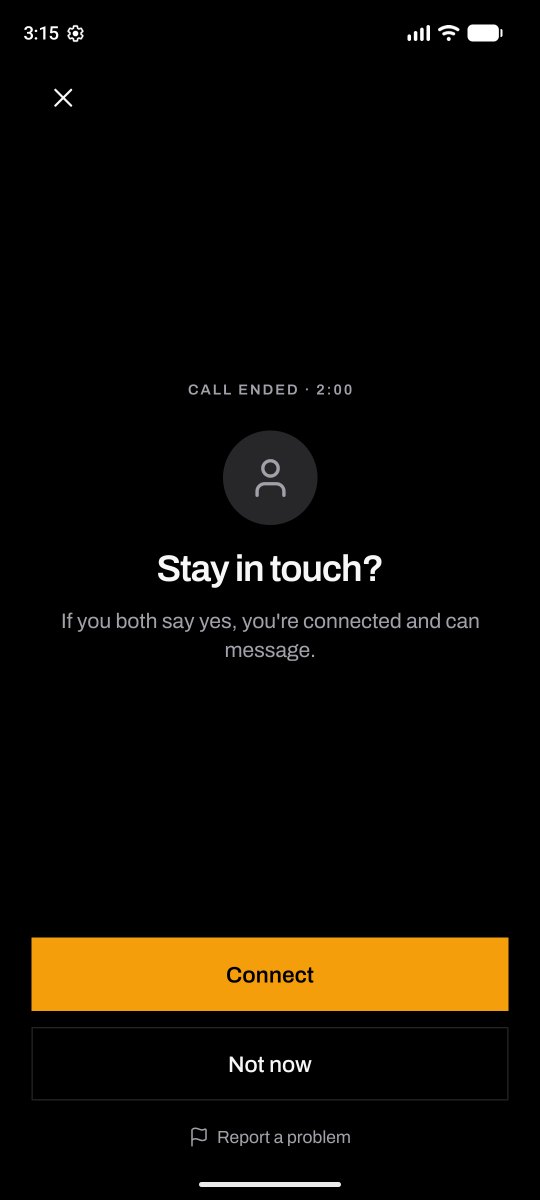
A countdown keeps it short and easy. When time is up, either of you can send a connection request, or simply move on.
04 / 04 · Connected
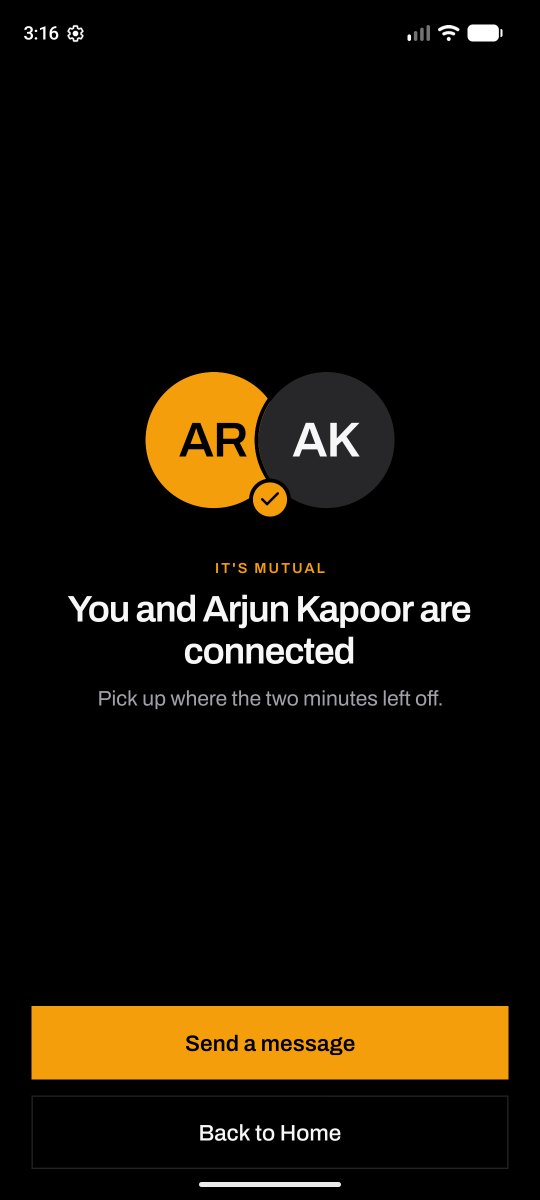
Accepted? Keep talking.
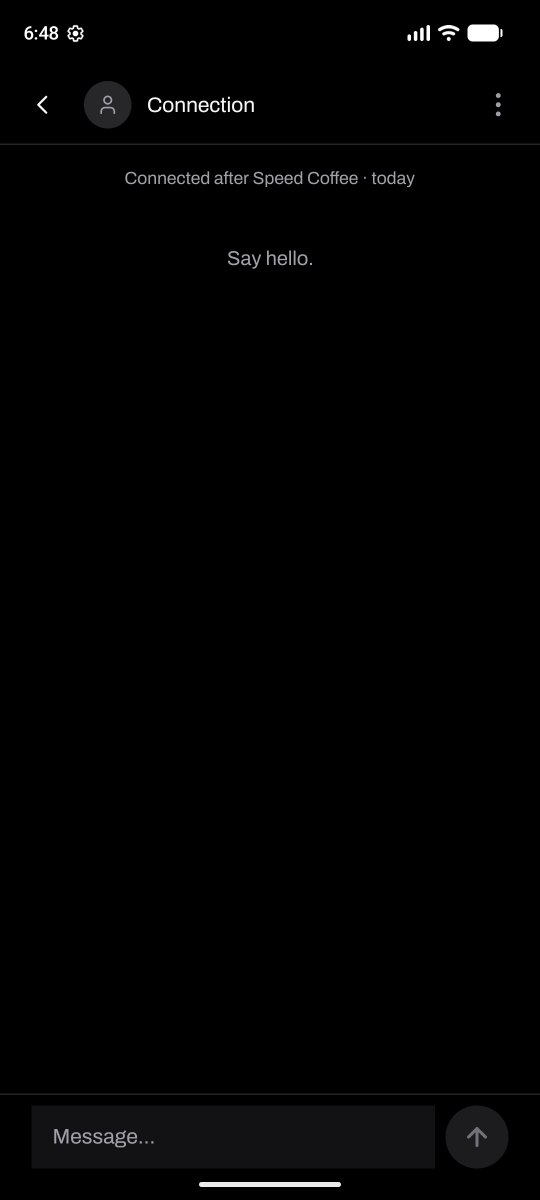
A request only becomes a connection when the other person accepts. Then you can message each other directly.
Staying connected
Keep the conversations that matter.
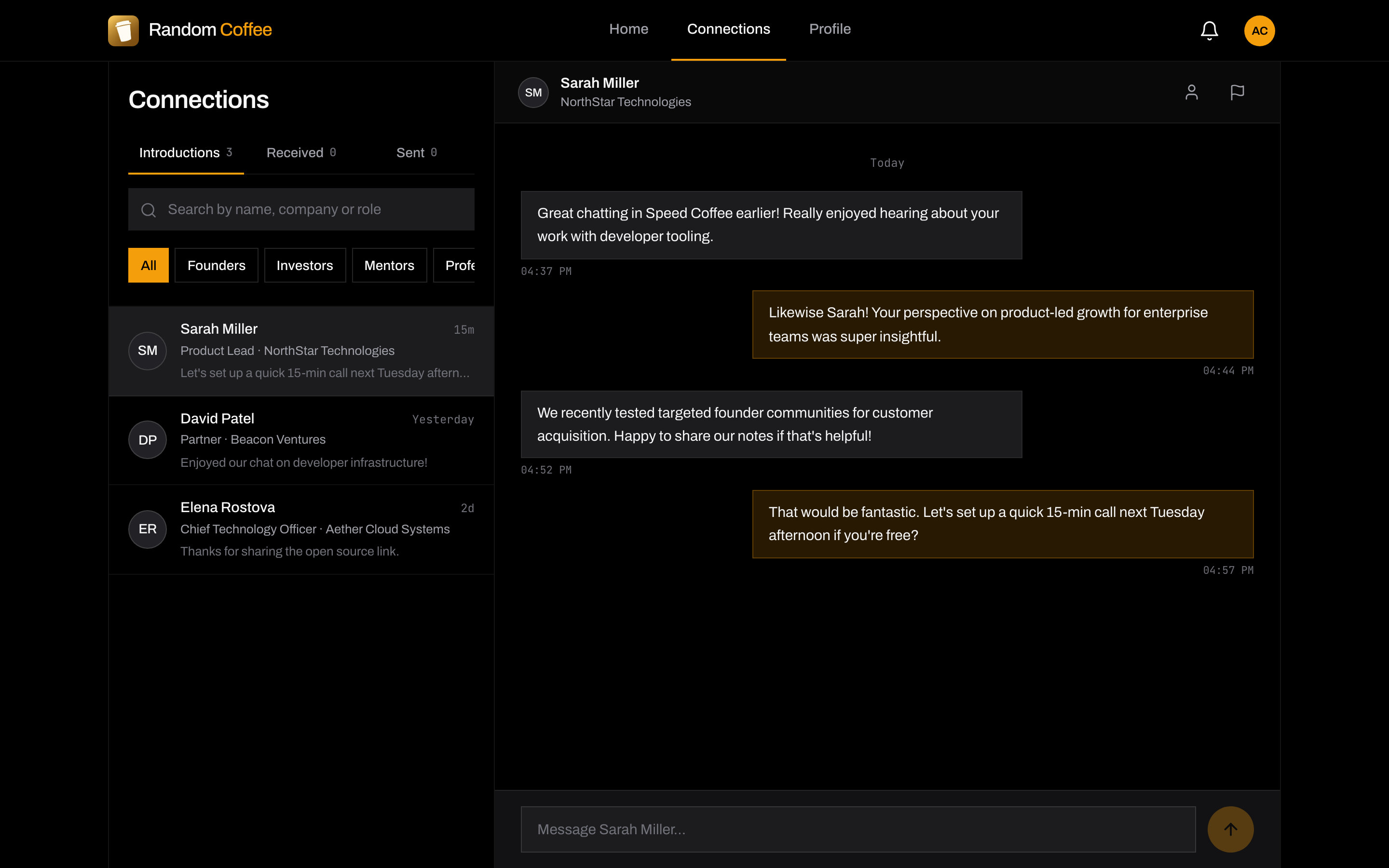
Your accepted connections live in one place. Message them directly, and get notified when a request is accepted or someone replies.

Who it's for
Anyone who learns from other people, at any stage.
- FoundersMeet operators, peers and potential co-founders.
- ProfessionalsWiden your circle beyond your company and city.
- StudentsTalk to people already doing the work you want to do.
- Aspiring foundersTest an idea with someone who's built before.
- MentorsShare what you know, two minutes at a time.
- InvestorsMeet founders face to face, early.
Profiles & preferences
Meet people who fit what you're after.
- Your role
- Pick from the list or add a custom role and its details.
- Preferences
- Choose who you'd like to meet and what you're here for.
- Languages
- Set the languages you speak. They're saved for next time.
- Settings
- Update your profile, notifications and defaults whenever you like.
You stay in control.
RandomCoffee is for adults aged 18 and over. Requests need a yes, problems can be reported in the moment, and your account is yours to close.
Requests need a yes
Nobody becomes your connection unless you accept their request.
Report and block
Report a problem during or after a call, and manage blocked members in Settings.
Support from a person
Questions or concerns go to [email protected]. Read the community guidelines.
Delete your account
Confirm with your password or an email code. Members who only use LinkedIn verify by email.
Free early access
Free while we're in early access.
Every member gets 50 lifetime introduction credits during free early access. Your real balance is always shown in the app; the numbers in these screens are sample data.
Available on the web. Android currently in closed testing.
- Web: open now
- Android: closed testing on Google Play
Want to help test the Android app? Email [email protected].
Good
questions.
Something else? [email protected]
A way to meet other professionals through short video introductions. You press Start, get matched with one person, and talk for two minutes.
Speed Coffee only matches people who have pressed Start and joined the queue. Your preferences help decide who you're matched with.
No. Recently active means someone used the app recently. Only members who press Start are available for a call.
The call ends. Either of you can send a connection request. You're connected only if the other person accepts, and then you can message each other.
During free early access every member gets 50 lifetime introduction credits. Your real balance is always shown in the app.
On the web, in your browser. The Android app is in closed testing on Google Play and is not publicly available yet. Email [email protected] if you would like to help test it.
Anyone aged 18 or over. Sign up with email and password or with LinkedIn.
You can report someone during or after a call, and block members in Settings. For anything else, email [email protected].
Go to Settings and choose Delete account. Confirm with your password or an email code. If you only sign in with LinkedIn, you confirm by email.
Start with
a coffee.
Available on the web. Android currently in closed testing.